

Worldfone4Biz Installation Guide
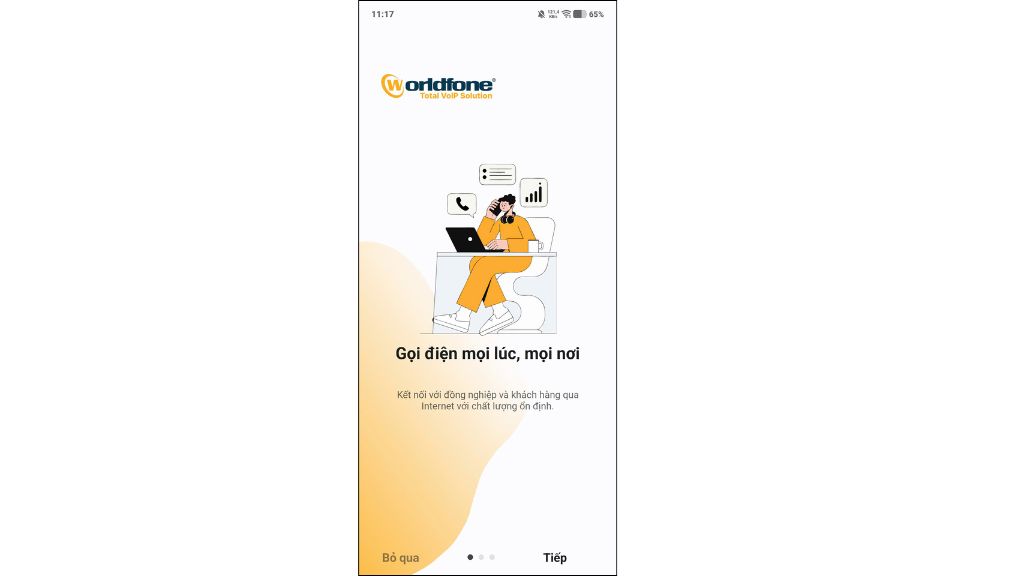
Worldfone4Biz is a mobile softphone application that enables users to make and receive VoIP calls through the Worldfone PBX system, allowing seamless business communication anytime, anywhere.
Download the Worldfone4Biz App
For iOS (App Store)
Step 1: Open the App Store on your iPhone or iPad, search for "Worldfone4Biz", or click here to download the app.
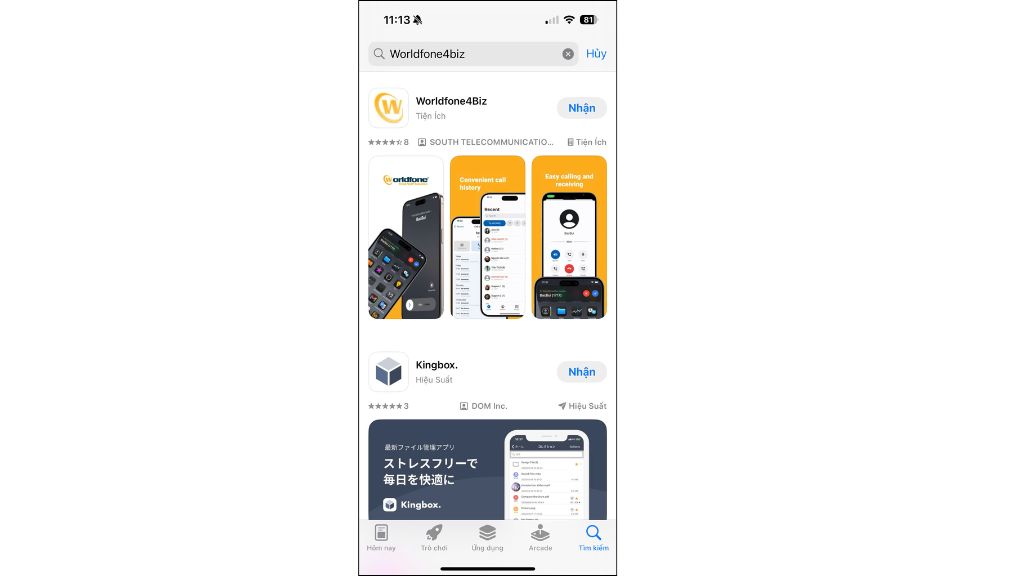
Step 2: Tap Get to download and install the application.
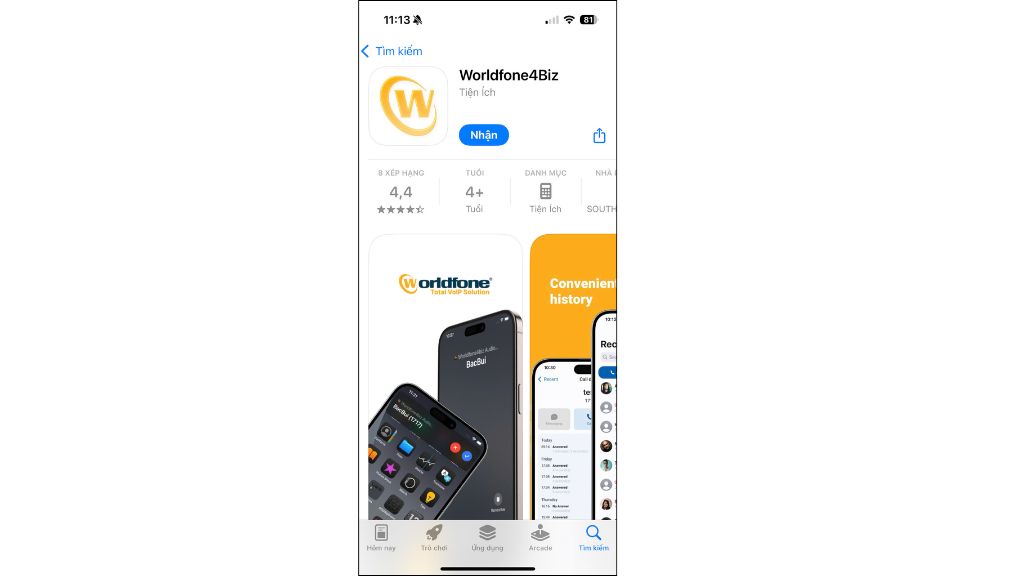
Step 3: Once the installation is complete, open the app, sign in, and start using Worldfone4Biz.

For Android (Google Play)
Step 1: Open the Google Play Store on your Android device, search for "Worldfone4Biz", or click here to download the app.
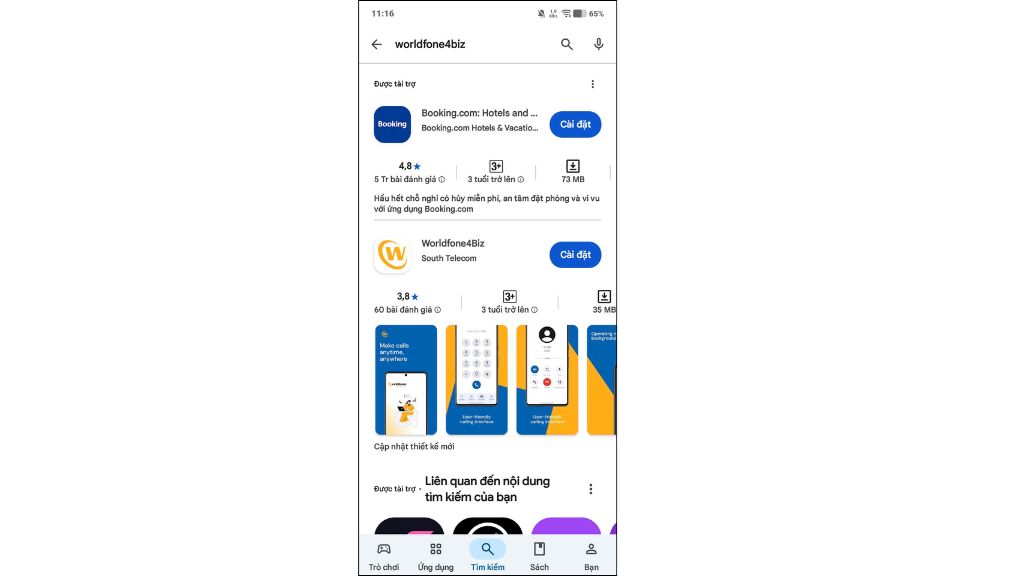
Step 2: Tap Install to download and install the application.
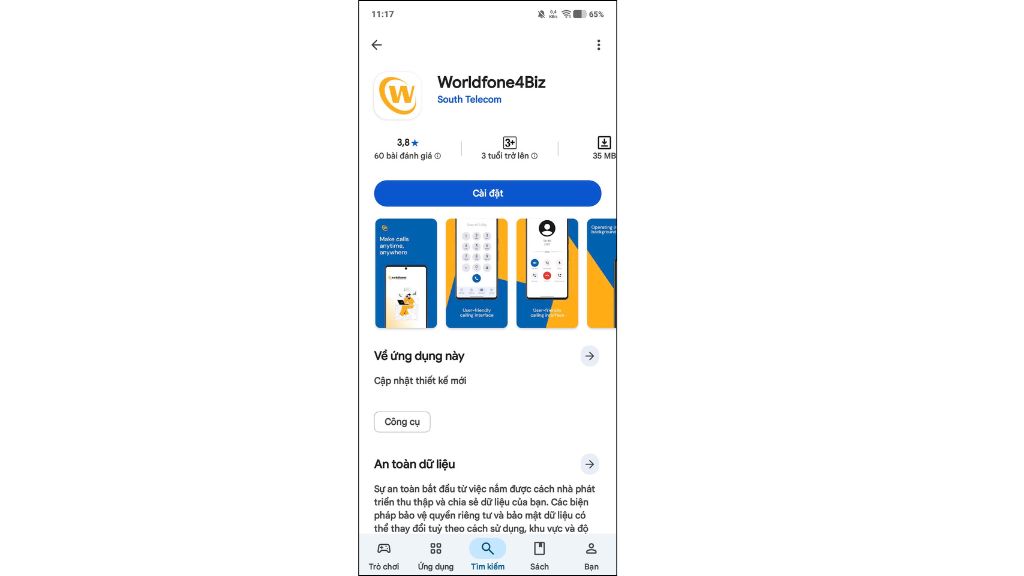
Step 3: Once the installation is complete, open the app, sign in, and start using Worldfone4Biz.
For PC
Step 1: Click here to download the Worldfone4Biz installation file to your computer.
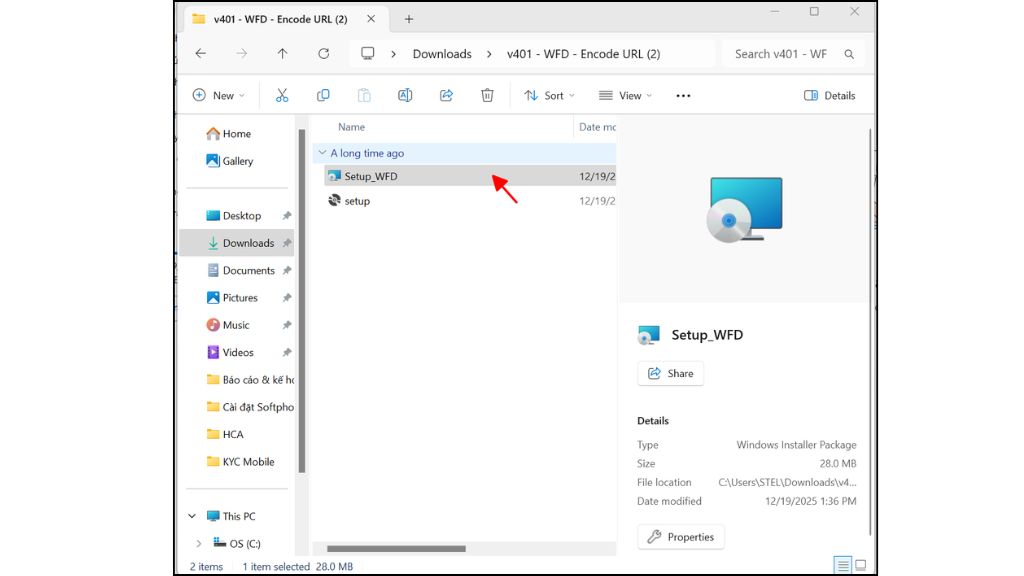
Step 2: Open the downloaded installer, then click Next to begin the installation.
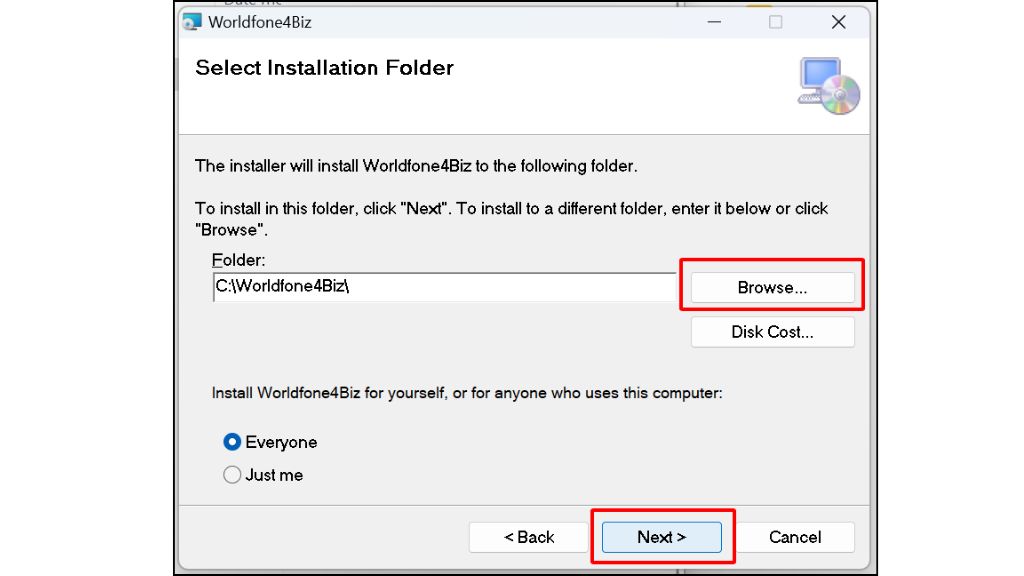
Step 3: Click Browse to choose the installation folder (or keep the default location), then click Next to continue.
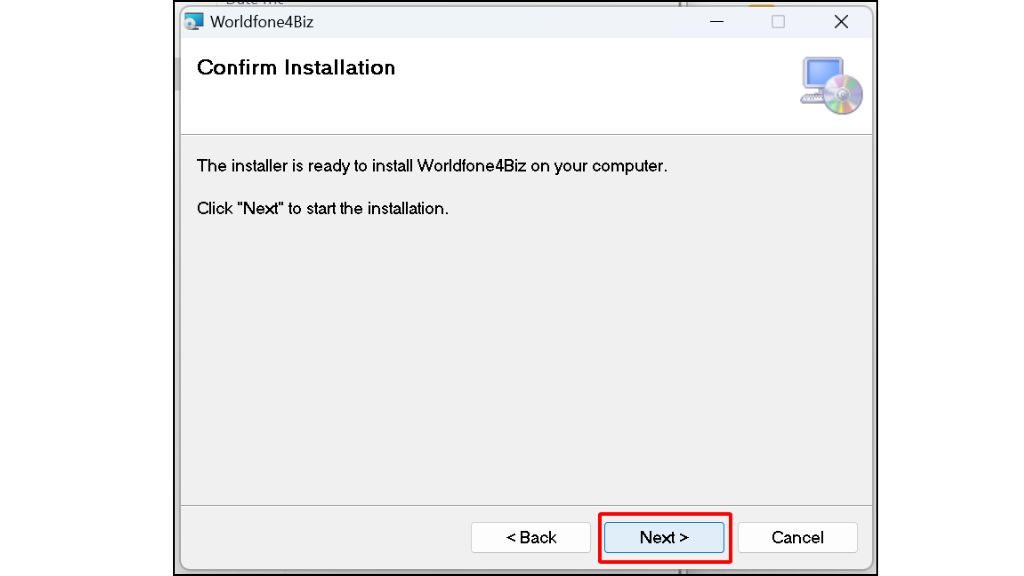
Step 4: Review the installation settings and click Next to start installing the application.
Step 5: When the Installation Complete message appears, click Close to finish the installation.
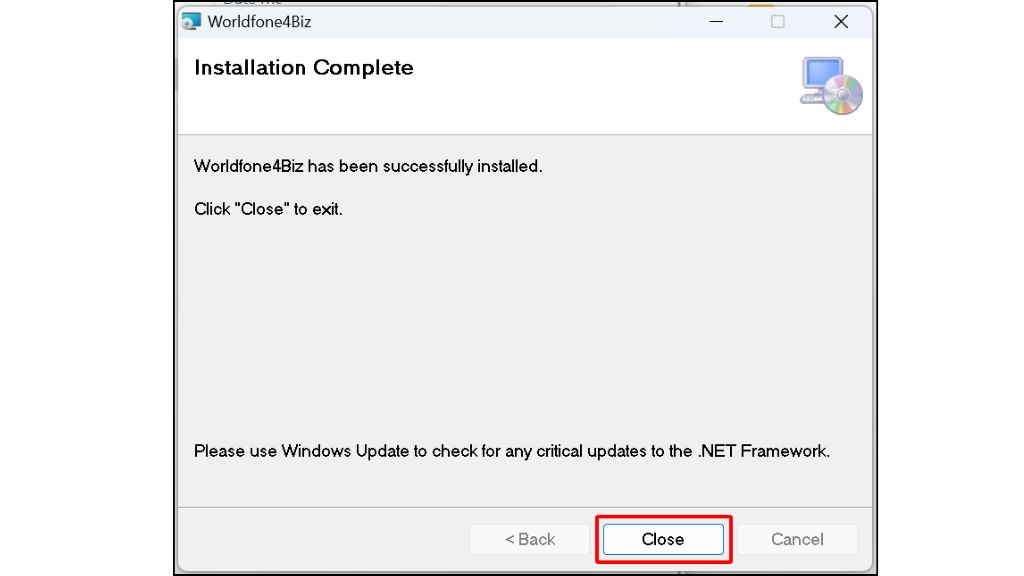
Step 6: Once the installation is complete, launch Worldfone4Biz, sign in, and start using the application.

Blog relate to
OmniCXM - Worldfone4X Mobile User Guide
July 08, 2026
Worldfone4Biz User Guide for Mobile and PC
July 03, 2026
OmniCXM - Worldfone4X Mobile Login Guide
July 02, 2026


